UIDAI mAadhaar App – Features & Usage Guide (Complete & Easy Explanation)
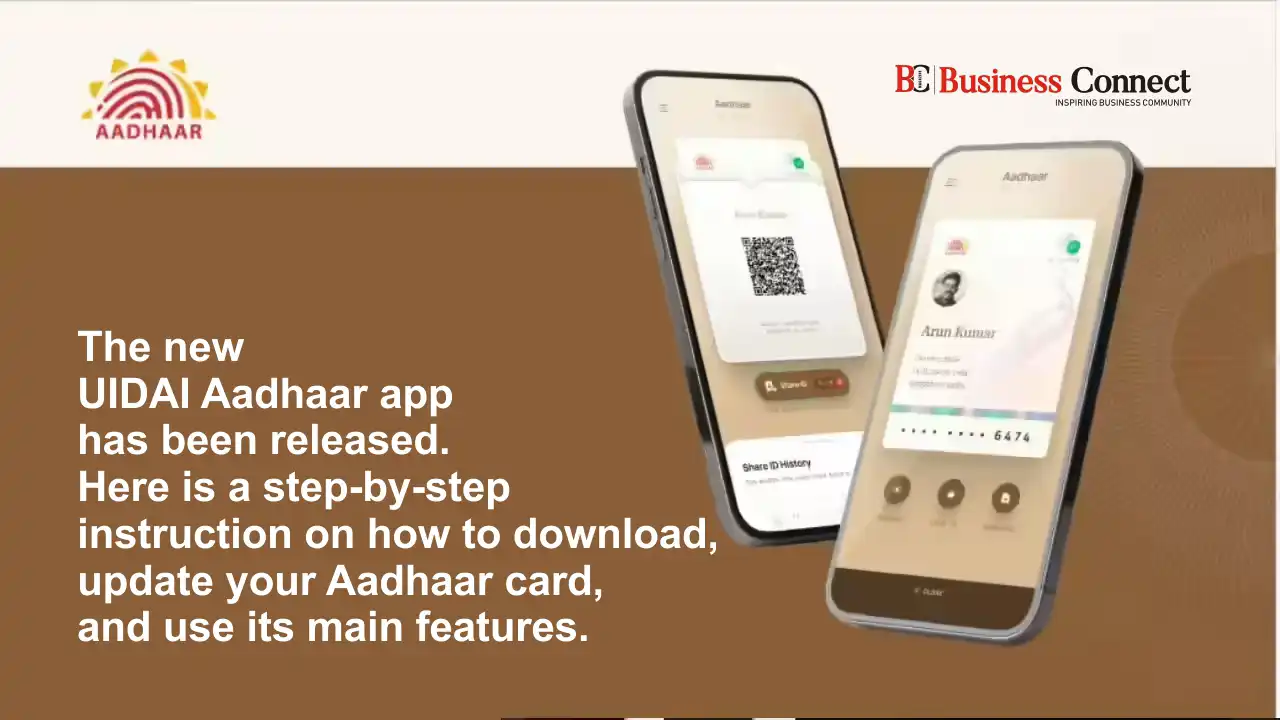
Managing Aadhaar-related services has become much easier in recent years, and one tool that I personally find very useful is the mAadhaar App. Many people still don’t know that with just a smartphone, they can carry their Aadhaar digitally and access multiple services without visiting a center again and again.
The mAadhaar App is launched and maintained by Unique Identification Authority of India (UIDAI) to help Aadhaar holders use Aadhaar services safely and conveniently. In this detailed guide, I’ll explain what the UIDAI mAadhaar App is, its features, how to use it, and why it is useful for everyday Aadhaar needs.
What Is the UIDAI mAadhaar App?
The UIDAI mAadhaar App is an official mobile application developed by UIDAI for Aadhaar holders. It allows users to carry their Aadhaar digitally on their smartphone and access many Aadhaar-related services anytime, anywhere.
In simple words, mAadhaar is a digital version of your Aadhaar card, combined with several useful online services. It works as a secure identity proof and helps users avoid carrying a physical Aadhaar card all the time.
The app is available for:
- Android smartphones
- iOS (iPhone) devices
Why UIDAI Launched the mAadhaar App
From my experience, the main reason UIDAI introduced the mAadhaar App was to:
- Reduce dependency on physical Aadhaar copies
- Improve Aadhaar data security
- Provide quick access to Aadhaar services
- Support Digital India initiatives
With increasing digital verification, UIDAI wanted Aadhaar holders to have a safe, official, and government-approved digital option, and mAadhaar fulfills that purpose.
Key Features of UIDAI mAadhaar App
The mAadhaar App offers many features that most people are not fully aware of. Let me explain them one by one in simple terms.
1. Digital Aadhaar Card on Mobile
The biggest benefit of the mAadhaar App is that it allows you to carry Aadhaar digitally.
You can:
- Download Aadhaar on your phone
- Show it as identity proof where accepted
- Avoid carrying printed copies
The digital Aadhaar in mAadhaar is official and valid, just like a physical Aadhaar copy.
2. Aadhaar QR Code for Instant Verification
The app provides a secure QR code linked with your Aadhaar details.
This QR code:
- Can be scanned for quick verification
- Shows limited details securely
- Reduces the risk of data misuse
This feature is very useful at places where identity verification is required quickly.
3. Biometric Lock and Unlock Feature
One feature I personally consider very important is biometric locking.
Using the mAadhaar App, you can:
- Lock your fingerprints and iris data
- Unlock biometrics when needed
This helps prevent unauthorized biometric authentication and adds an extra layer of security to your Aadhaar.
4. Virtual ID (VID) Generation
The mAadhaar App allows users to generate a Virtual ID (VID).
A VID:
- Is a temporary 16-digit number
- Can be used instead of Aadhaar number
- Protects your actual Aadhaar number
This feature is very helpful when you don’t want to share your Aadhaar number openly.
5. Aadhaar Verification Service
Through the app, you can:
- Verify Aadhaar details
- Check if an Aadhaar number is valid
This service is useful for both individuals and organizations where Aadhaar verification is required.
6. Update Aadhaar Profile (Limited)
The mAadhaar App allows limited profile updates, such as:
- Address update (in some cases)
- Document-based updates
For major updates like biometrics, users still need to visit an Aadhaar Seva Kendra.
7. Multi-Profile Support
One very practical feature is multi-profile support.
With this feature:
- Family members’ Aadhaar profiles can be added
- Parents can manage children’s Aadhaar
- Aadhaar details can be accessed from one device
This is especially helpful for families.
8. Aadhaar Authentication History
The app shows authentication history, which helps users:
- Track where Aadhaar was used
- Identify any unusual activity
- Stay informed about Aadhaar usage
This builds transparency and trust in the Aadhaar system.
How to Download and Set Up the mAadhaar App
Setting up the mAadhaar App is simple. Here’s how it usually works:
- Download the mAadhaar App from the official app store
- Open the app and create a profile
- Enter Aadhaar number
- Verify using OTP sent to registered mobile number
- Set a secure password
Once completed, your Aadhaar profile is ready to use.
How to Use the mAadhaar App Effectively
From my experience, using the app becomes easy once you understand its main functions.
You can:
- Show digital Aadhaar when needed
- Generate VID for safer sharing
- Lock biometrics when not in use
- Check Aadhaar authentication history regularly
Using these features regularly helps you stay in control of your Aadhaar data.
Is mAadhaar App Safe to Use?
Yes, the mAadhaar App is safe and secure.
UIDAI has implemented:
- OTP-based login
- App-level password protection
- Limited data visibility
- Encrypted communication
Since it is an official UIDAI application, it follows government security standards.
When Should You Use mAadhaar Instead of Physical Aadhaar?
You can use mAadhaar:
- For identity verification where digital Aadhaar is accepted
- During travel or office verification
- To avoid carrying paper copies
However, in some places, physical Aadhaar may still be required. So it’s good to keep both options available.
Common Problems Users Face With mAadhaar App
Some users face issues like:
- OTP not received
- App not opening properly
- Profile not loading
In most cases, these problems are temporary and related to:
- Network issues
- Server load
- Incorrect registered mobile number
Updating the app or trying again later usually solves the issue.
Benefits of Using UIDAI mAadhaar App
To summarize the advantages:
- Easy access to Aadhaar services
- Improved data security
- No need to carry physical Aadhaar
- Official and government-approved
- Useful for everyday identity needs
For me, mAadhaar has made Aadhaar usage simpler and safer.
Final Conclusion
The UIDAI mAadhaar App is a powerful and convenient tool for every Aadhaar holder. It brings multiple Aadhaar services into one secure mobile application and supports India’s digital identity system effectively. From carrying a digital Aadhaar to managing biometric security and generating Virtual IDs, the app offers real value in daily life. If you use Aadhaar regularly, installing and understanding the mAadhaar App can save time, reduce risk, and give you better control over your personal data. It is a smart step toward safe and digital Aadhaar usage.
FAQs
Is mAadhaar App official?
Yes, it is officially launched by UIDAI.
Is mAadhaar valid everywhere?
It is valid where digital Aadhaar is accepted.
Can I lock biometrics using mAadhaar?
Yes, biometric lock and unlock features are available.
Is mAadhaar free to use?
Yes, the app is completely free.